
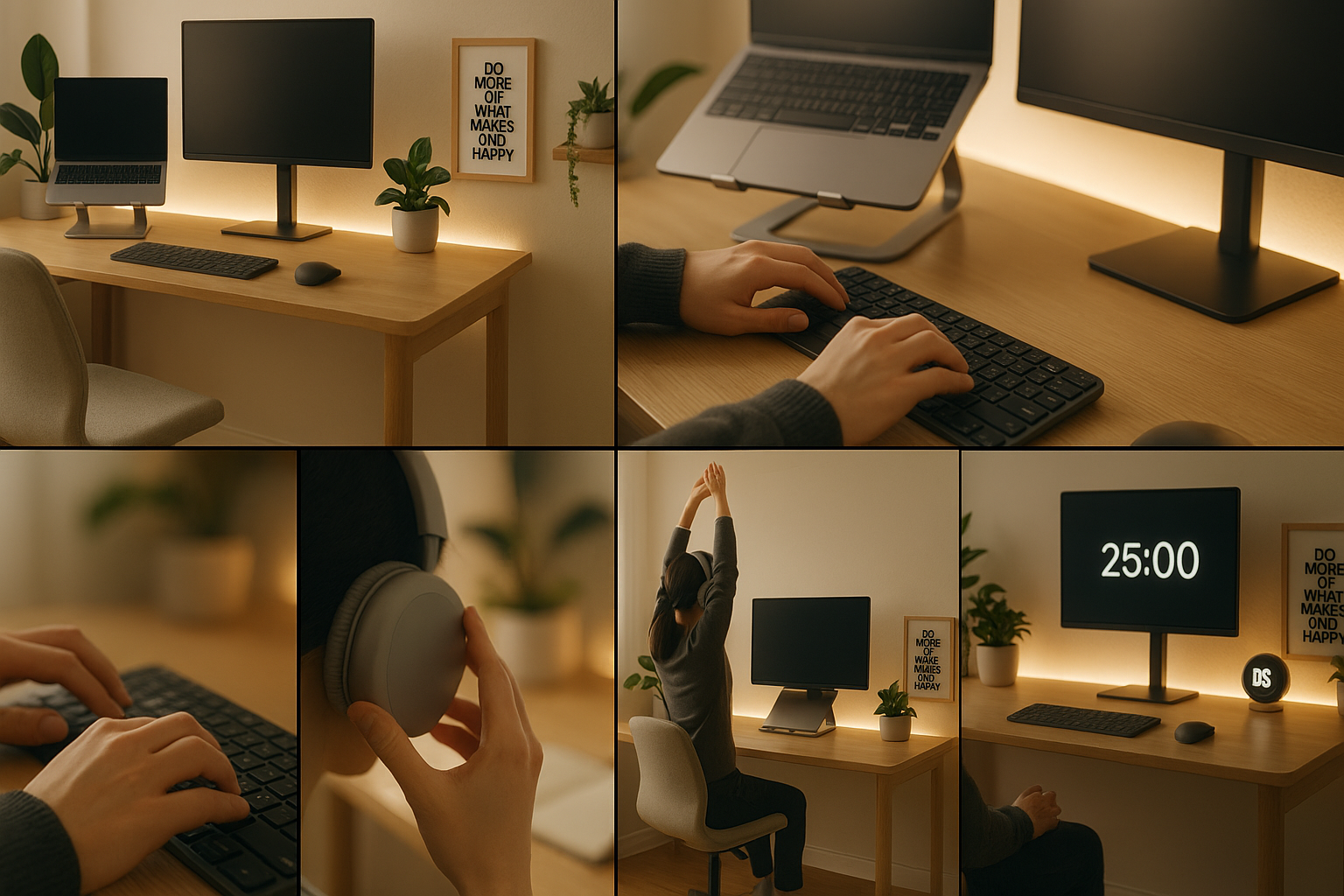
Working from home has become the new norm, but building a setup that actually boosts productivity is more than just placing a laptop on a table. A well-designed workspace can improve focus, reduce stress, and help you work smarter — not harder. Whether you’re freelancing, running a business, or working remotely for a company, here’s a practical guide to creating a productive work-from-home environment.
🪑 1. Choose a Dedicated Workspace
The first step is separating your work area from your personal space. Working from the bed or sofa might feel comfortable, but it trains your brain to stay in “relax mode”, reducing productivity.
✔ Tips:
- Pick a quiet corner or spare room
- Avoid high-traffic areas
- Use a desk instead of makeshift setups
- Keep your workspace clutter-free
A dedicated area signals to your mind that it’s time to focus.
💡 2. Invest in Ergonomic Furniture
Your chair and desk matter more than you think. Poor ergonomics can cause back pain, neck strain, and fatigue — all of which affect your output.
✔ Essentials:
- Ergonomic chair with lumbar support
- Desk at proper height (your elbows should be at a 90° angle)
- Laptop stand to raise screen to eye level
- External keyboard & mouse for comfort
This setup not only boosts productivity but also protects your posture.
🌤 3. Maximize Natural Light
Natural light improves mood, reduces eye strain, and helps regulate your body clock. If possible, place your desk near a window.
✔ If natural light is limited:
- Use a soft, warm desk lamp
- Avoid harsh overhead lighting
- Add LED strips behind monitors to reduce glare
Balanced lighting helps you stay alert throughout the day.
🎧 4. Minimize Distractions
Working from home comes with plenty of distractions — family members, TV noise, chores, and more. Reducing distractions helps you stay in deep-work mode.
✔ Try:
- Noise-canceling headphones
- Using apps like Focus Keeper / Forest
- Keeping your phone in another room during work blocks
- Setting boundaries with family during work hours
A distraction-free environment = better quality work in less time.
⏳ 5. Stick to a Routine
Your routine sets the tone for productivity. Treat your remote workday like an office day — with structure and discipline.
✔ Build a routine:
- Set fixed start and end times
- Use the Pomodoro method (25-minute focus intervals)
- Take short breaks to stretch
- Plan your tasks the night before
Consistency creates momentum.
📶 6. Upgrade Your Tech Setup
Slow Wi-Fi or outdated equipment can kill productivity. Investing in the right tools saves hours in the long run.
✔ Consider:
- High-speed internet
- Dual monitors for multitasking
- Backup storage or cloud drives
- A good webcam & mic for meetings
- Surge protectors to keep electronics safe
Smooth tech = smooth workflow.
🎨 7. Add Personal Touches
Your workspace should feel inspiring and comfortable — not dull. Small touches can elevate your mood and creativity.
✔ Ideas:
- Indoor plants
- Minimalist décor
- Motivational quotes
- Clean cable management
- A neutral, calming color palette
The goal is a space where you want to sit and work.
💧 8. Prioritize Health & Wellness
Working from home can blur the line between work and rest, making burnout more common. Build habits that protect your mental and physical well-being.
✔ Healthy practices:
- Stand up and stretch every hour
- Stay hydrated
- Take screen breaks
- Keep snacks healthy (nuts, fruits, salads)
- End work on time
A healthy body supports a productive mind.
🔄 Final Thoughts
Creating a productive work-from-home setup isn’t about expensive gadgets — it’s about designing a space that supports focus, comfort, and consistency. With the right environment and habits, working from home can be just as effective (if not more) than working from an office.