

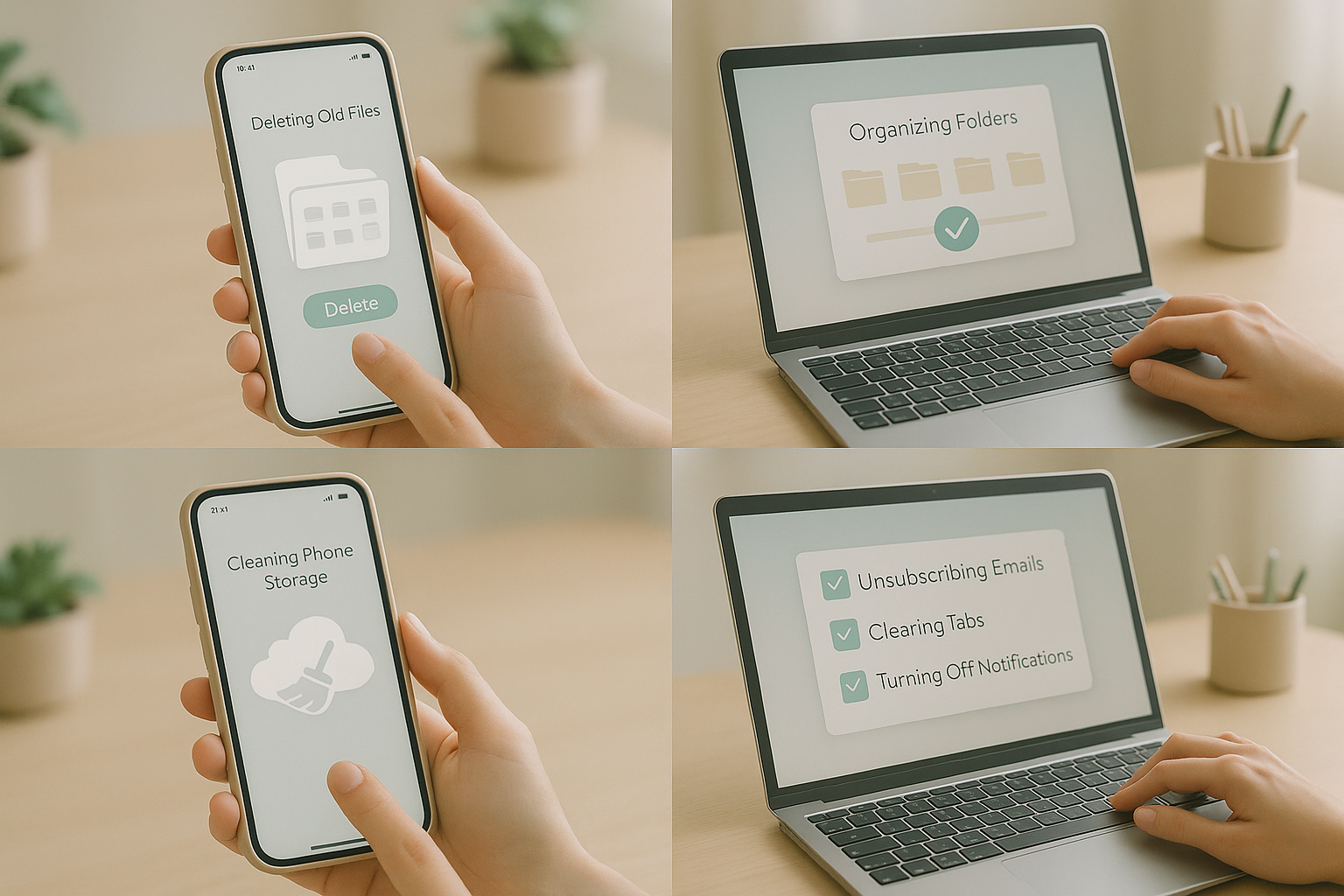
In a world where everything is stored in our phones, laptops, and cloud accounts, digital clutter silently drains our time, focus, and peace of mind. Notifications keep buzzing, storage keeps filling, and our minds stay overloaded. Just like a messy room creates stress, a cluttered digital life creates mental chaos. The good news? A few simple habits can clean your entire digital space and instantly make you feel lighter, calmer, and more productive.
Digital decluttering is not just about deleting files — it’s about gaining control, removing unnecessary noise, and creating a clean environment where your mind can breathe.
📍 Step 1: Clean Your Phone Storage
Start with your phone, because that’s where the most clutter lives.
- Delete duplicate photos and screenshots you don’t need.
- Remove apps you haven’t used in the last 30 days.
- Clear cache, junk files, and unnecessary downloads.
- Organize everything into folders for easy access.
A cleaner phone instantly feels faster and more refreshing.
📍 Step 2: Organize Your Files
Digital files get scattered across drives, folders, and desktops.
- Create folders for documents, media, work, and personal files.
- Use simple naming rules like “ProjectName_Date”.
- Delete outdated files you no longer need.
Keeping everything labelled helps reduce search time and improves productivity.
📍 Step 3: Unsubscribe From Unwanted Emails
Your inbox can be the biggest source of digital overload.
- Unsubscribe from newsletters you never read.
- Move important emails into specific folders.
- Enable automatic filters to block spam.
Your inbox should serve you — not stress you.
📍 Step 4: Organize Your Social Media
Cut down the noise on your feed.
- Unfollow accounts that drain your energy.
- Follow pages that inspire or educate you.
- Limit time on apps using built-in screen timers.
A clean feed = a clean mind.
📍 Step 5: Update Passwords & Security
Decluttering also means improving digital safety.
- Use a secure password manager.
- Enable two-factor authentication.
- Remove old devices logged into your accounts.
Better security = fewer worries.
📍 Step 6: Declutter Your Browser
Your browser holds tabs, bookmarks, and extensions you don’t need.
- Close tabs you haven’t touched in days.
- Delete outdated bookmarks.
- Remove unnecessary extensions to boost speed.
A clean browser makes work smoother and faster.
📍 Step 7: Limit Notifications
Too many notifications = constant distraction.
- Turn off non-essential alerts.
- Keep only calls, messages, and important apps active.
- Use “Do Not Disturb” when working or relaxing.
Your attention is precious — protect it.
📍 Step 8: Backup What Truly Matters
Once you’re done decluttering, store essentials safely.
- Use cloud storage (Drive, iCloud, Dropbox).
- Keep a backup on an external drive.
- Delete duplicate or outdated backups.
This ensures your important files stay safe without taking up space.
🌿 Final Thoughts
A clean digital life helps create a cleaner mental space. When your phone runs smoother, your mind does too. By removing unnecessary digital noise, you gain clarity, focus, and peace. Digital decluttering is not a one-time task — it’s a habit. Set aside a few minutes each week, and your digital life will stay fresh and organized forever.