
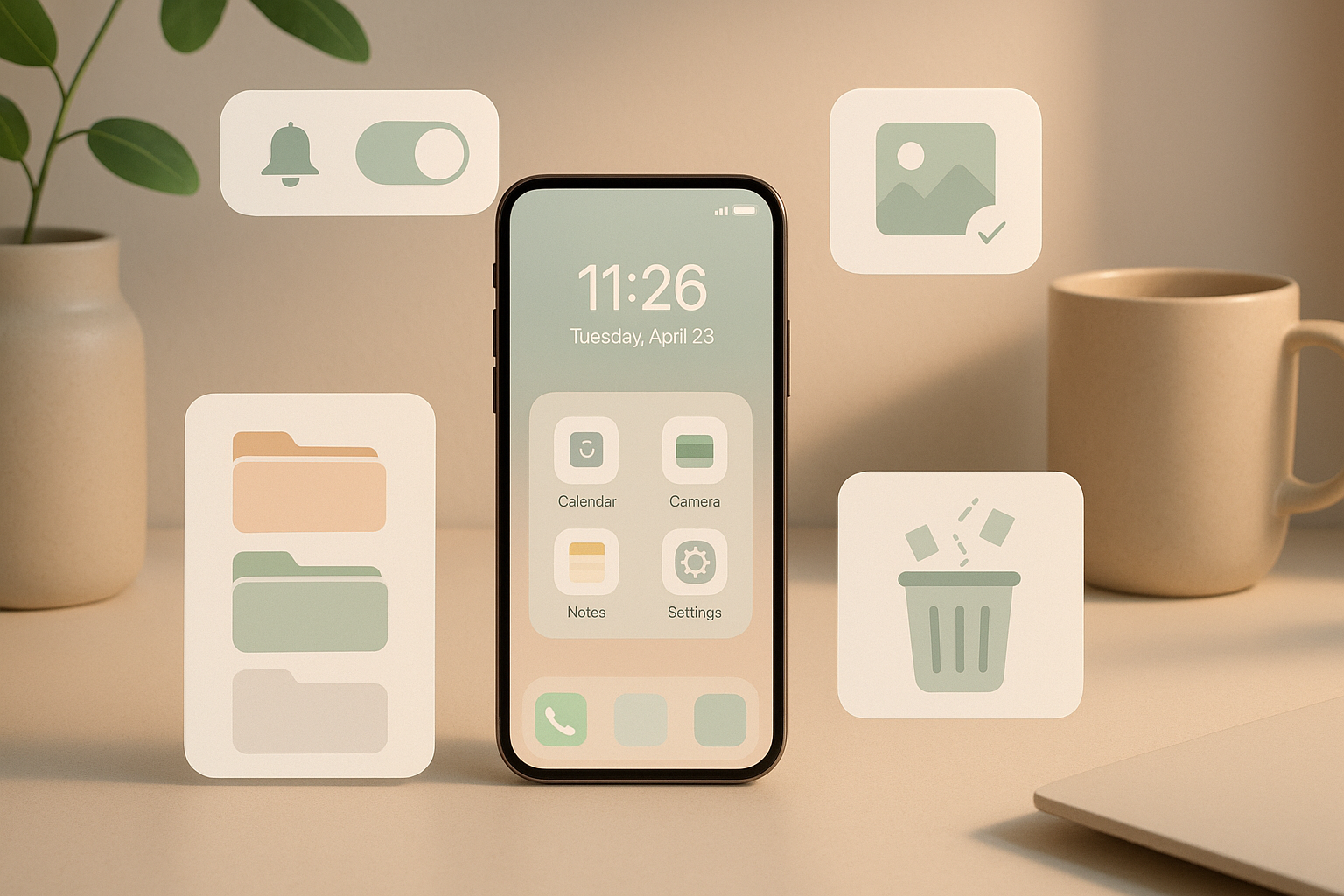
In today’s hyper-connected world, our digital space has become just as cluttered as our physical environment. Too many apps, constant notifications, hundreds of screenshots, and overflowing storage can make your mind feel overloaded without you even realizing it. A clean digital space leads to better focus, reduced stress, faster performance, and a calmer mind. If you’ve been feeling overwhelmed lately, it may be time to declutter your digital life and refresh your mental space.
🌟 Why Digital Decluttering Matters
Your phone is the first thing you check in the morning and the last before sleeping. When it’s filled with unwanted apps, old chats, random files, and constant alerts, it drains mental energy. Cleaning your device helps you stay organized, improves productivity, and contributes to a healthier lifestyle. A decluttered phone feels lighter, faster, and more intentional.
📂 Step 1: Clean Up Your Home Screen
Start with the place you see the most — your home screen. Many apps we install “for later” never get used again. Remove apps you haven’t opened in months. Group essential apps into folders like Productivity, Social, Finance, and Health. A clean home screen helps your brain relax every time you unlock your phone.
🖼️ Step 2: Delete Extra Photos & Screenshots
Photos take up huge storage space. Go through your gallery and delete:
- Duplicate images
- Blurry photos
- Old screenshots
- Random forwarded images
Apps like Google Photos can help organize everything automatically. Create albums to categorize your memories and keep things tidy.
📩 Step 3: Unsubscribe & Clear Your Inbox
Email overload is a hidden stress trigger. Unsubscribe from newsletters you never read, promotions you don’t need, and old notifications. Aim for Inbox Zero once a week. Organize your inbox with labels like Work, Bills, Travel, and Personal.
🔔 Step 4: Turn Off Useless Notifications
Not every app deserves your attention. Disable notifications for apps that distract you — gaming apps, shopping apps, or unnecessary alerts. Keep only what matters: calls, messages, banking apps, and work tools. Fewer notifications = calmer mind.
🗂️ Step 5: Organize Your Files
Digital files, PDFs, and downloads pile up quickly. Create folders for documents, bank statements, travel files, and work-related content. Delete duplicates and old files. A clean file manager makes searching easier and saves tons of time.
💬 Step 6: Clean Chats & Backup Messages
Chats on WhatsApp, Messenger, and Instagram can take huge storage. Delete old groups, clear media files, or archive conversations you don’t need regularly. Save important chats to cloud storage and clear space on your phone.
🧹 Step 7: Remove Cache & Junk
Regularly clean your device’s cache to increase speed. This removes temporary files that slow down your phone over time. Most smartphones have built-in tools to remove junk in seconds.
🛡️ Step 8: Strengthen Digital Security
Digital decluttering isn’t just about cleaning—it’s about protecting yourself.
- Update passwords
- Enable two-factor authentication
- Remove apps that ask for unnecessary permissions
This keeps your digital world safe and stress-free.
💡 Final Thoughts
Digital declutter = mental declutter. When your phone becomes lighter, your mind feels clearer. Taking just 20–30 minutes a week to tidy your digital space can help reduce stress, boost productivity, and give you a sense of calm. A clean digital environment supports a peaceful, focused life — one tap at a time.